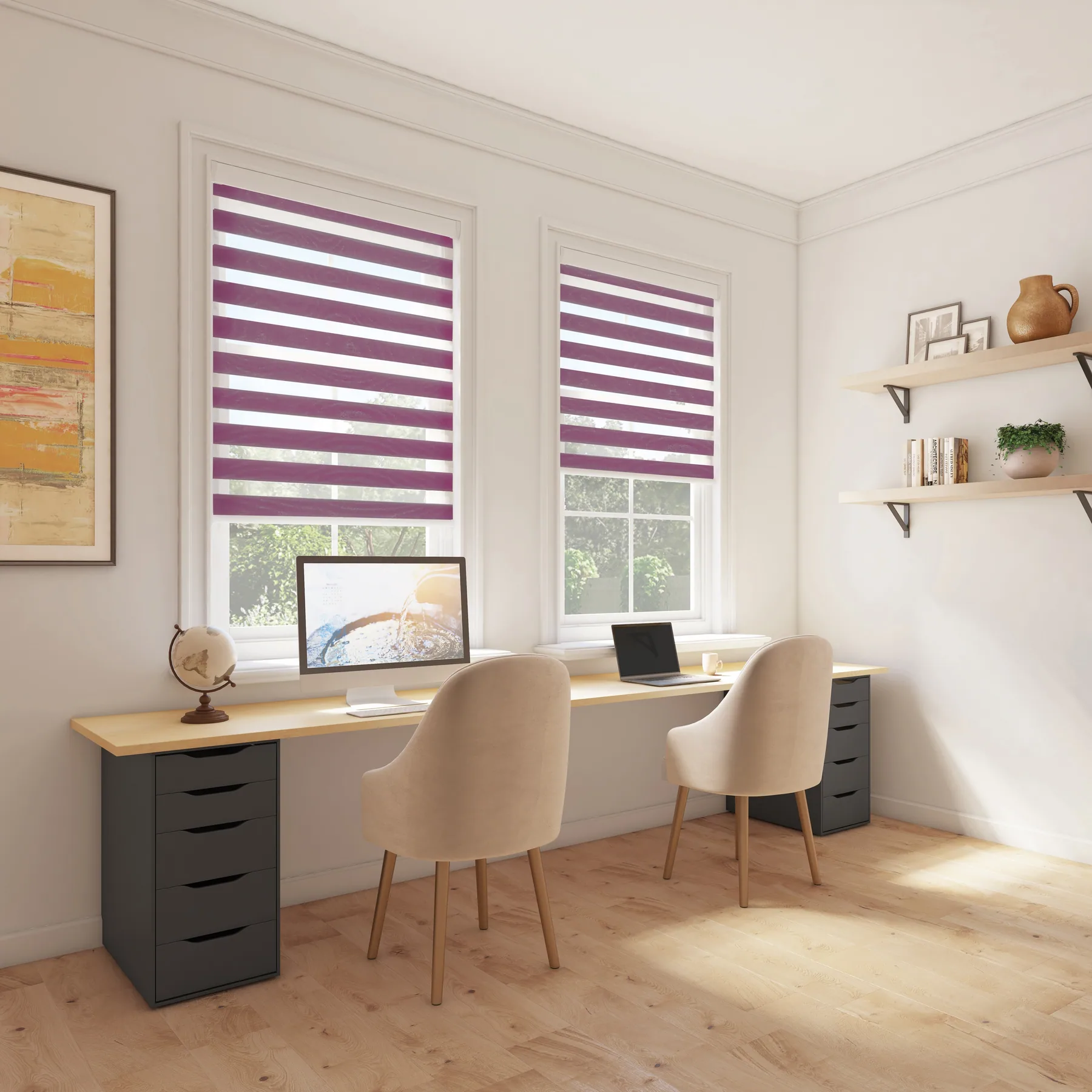
Home Office Blinds for Productivity
Create the ideal working environment with blinds that reduce glare and improve focus.
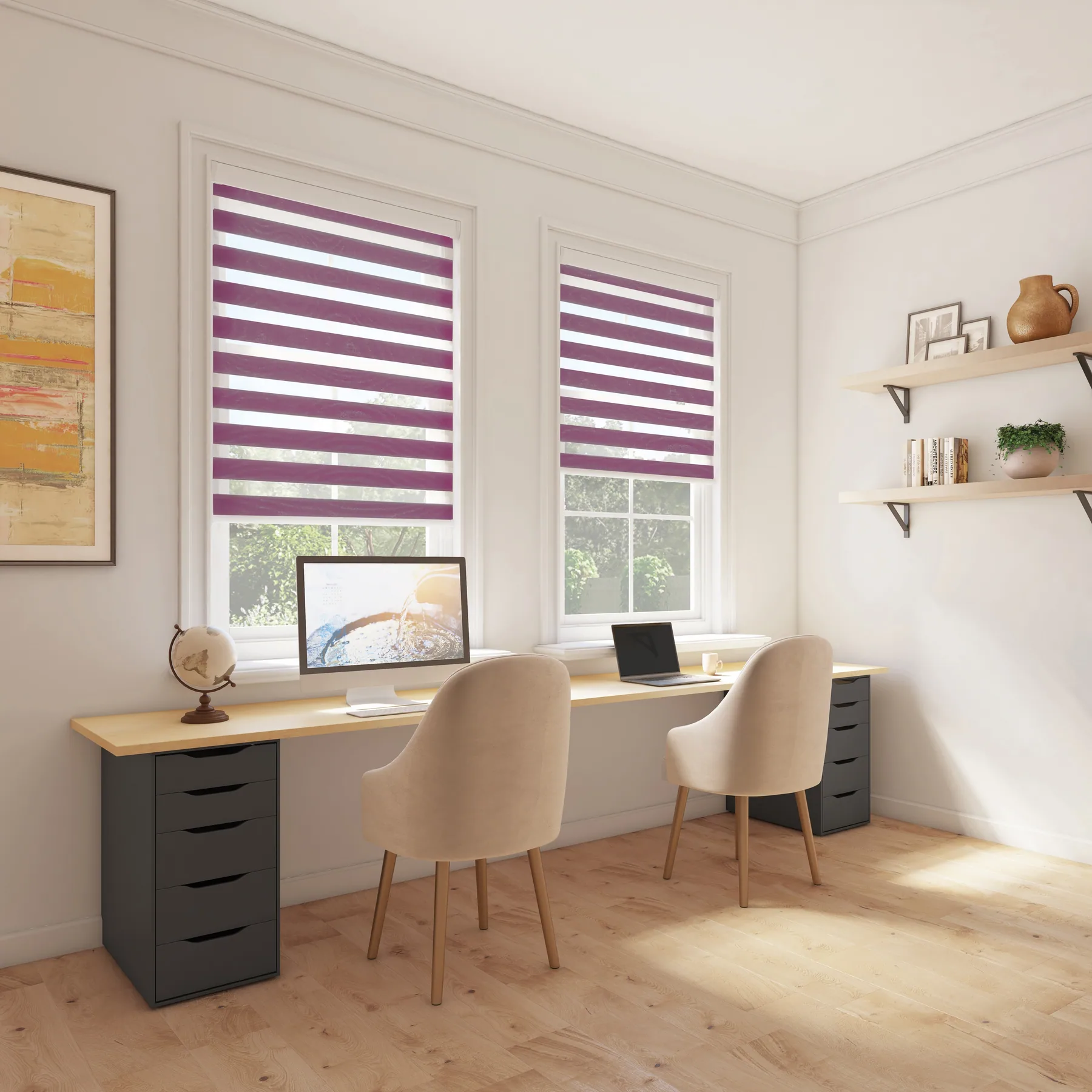
With more people working from home, creating a professional and comfortable office space is essential. The right blinds reduce screen glare, manage distracting light changes, and create a backdrop suitable for video calls.
Things to Consider
Glare Control
Eliminate screen glare and eye strain for comfortable all-day working.
Video Call Ready
Create a professional backdrop for Zoom, Teams, and video meetings.
Comfort
Maintain a comfortable temperature for focused, productive work.
Privacy
Keep your home office contents private from outside view.
Our Top Picks
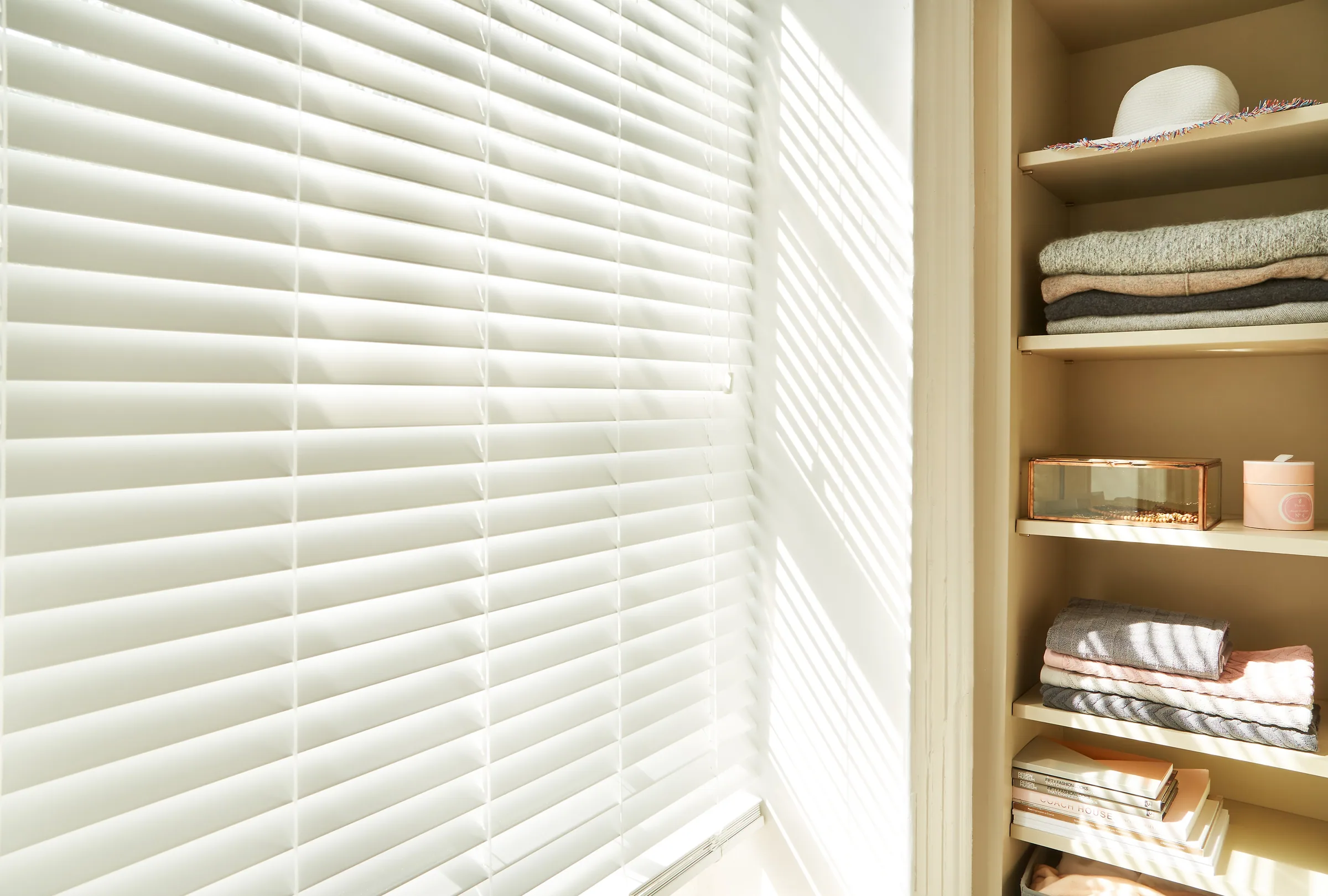
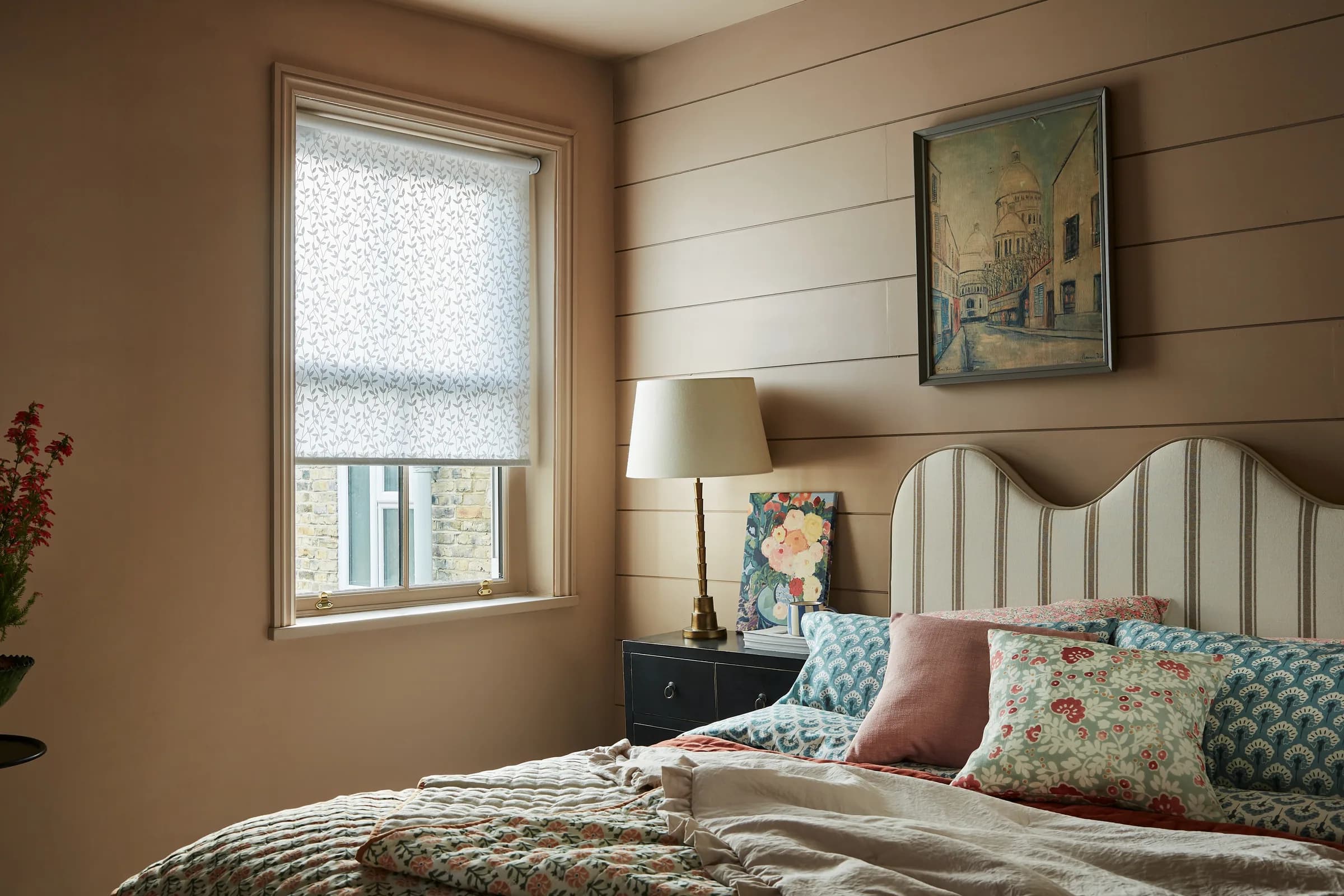
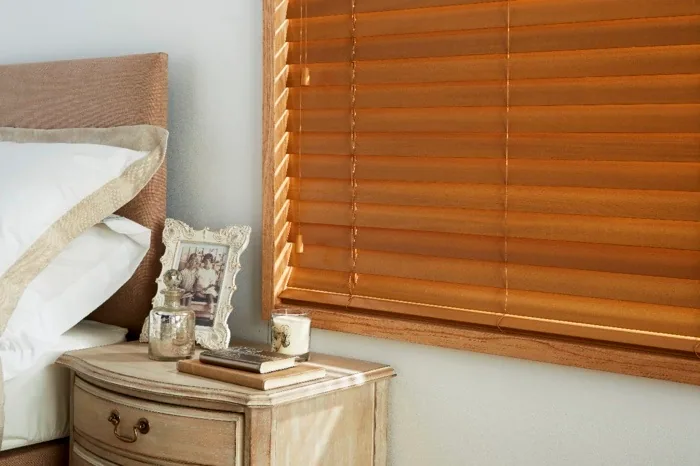
Based on the unique requirements of home offices, we recommend these popular choices
Expert Tips
Position your desk so natural light comes from the side, not behind or in front
Light filtering blinds reduce glare while maintaining natural light
Neutral colours create the best backdrop for video calls
Consider motorised blinds you can adjust without leaving your chair
“My home office looks so professional now. The venetian blinds give me perfect control over the light throughout the day.”Tom K. — Bolton
Frequently Asked Questions
How do I stop screen glare without blocking all light?
Light filtering roller blinds or angled venetian slats let in ambient light while eliminating direct glare. Position blinds to block direct sun paths throughout the day.
What colour blinds are best for video calls?
Neutral colours like white, grey, or soft beige create a professional backdrop. Avoid busy patterns or very dark colours that can look harsh on camera.
Can blinds help with home office acoustics?
Yes – fabric blinds like roman blinds and wooden blinds help absorb sound and reduce echo, improving audio quality for calls.
Browse Other Rooms
Ready to Transform Your Home Office?
Book a free home consultation and let our experts help you choose the perfect blinds